
Geeks Bot · Client Case Study
Logyn Launch Page
Landing Page Design & React Development for a Hardware Password Manager
Logyn stores your passwords on a physical card or key holder instead of your phone or the internet. We designed and built the launch landing page that explains the idea, sells the device and sends visitors to the app stores — all in one focused scroll.
- 0Page sectionsOne focused launch page
- 0CTAsGet started → Buy → Download
- 0BreakpointsIncl. a custom 860px step
- 0Responsive rulesTailwind utility variants
- 0Inline SVG iconsCrisp at any size, zero requests
- 0TypefacesSharp Grotesk · Satoshi · Poppins
- 0%Launch discount$44 → $15, shown on the page
- 0App storesApp Store + Google Play
The Challenge
Selling a New Kind of Security
“Protect and find all your important passwords with one tap.”
That one line had to carry the whole idea. Logyn isn't another password app — it's a physical device that keeps your credentials away from the internet. The page needed to explain that, build trust, make an offer and get the app installed, without overwhelming anyone.
An Unfamiliar Idea
Logyn keeps passwords on a physical card or key holder — not your phone, not the internet. Most people have never seen that before.
Earn Trust Instantly
A security product lives or dies on credibility. The page had to feel calm, solid and trustworthy from the first screen.
Sell a Physical Device
Price and offer had to be clear and tempting without turning the page into a hard sell.
Drive App Installs
The device pairs with an app, so the journey ends at the App Store and Google Play.
Explain 'How It Works'
Show that adding a password is genuinely simple — not just say it.
Mobile-First Audience
People managing passwords on their phones had to get the full experience on a phone.
Page Narrative
Seven Sections, One Decision
Every section moves the visitor one step: understand → believe → want → act.
- 01
The Promise
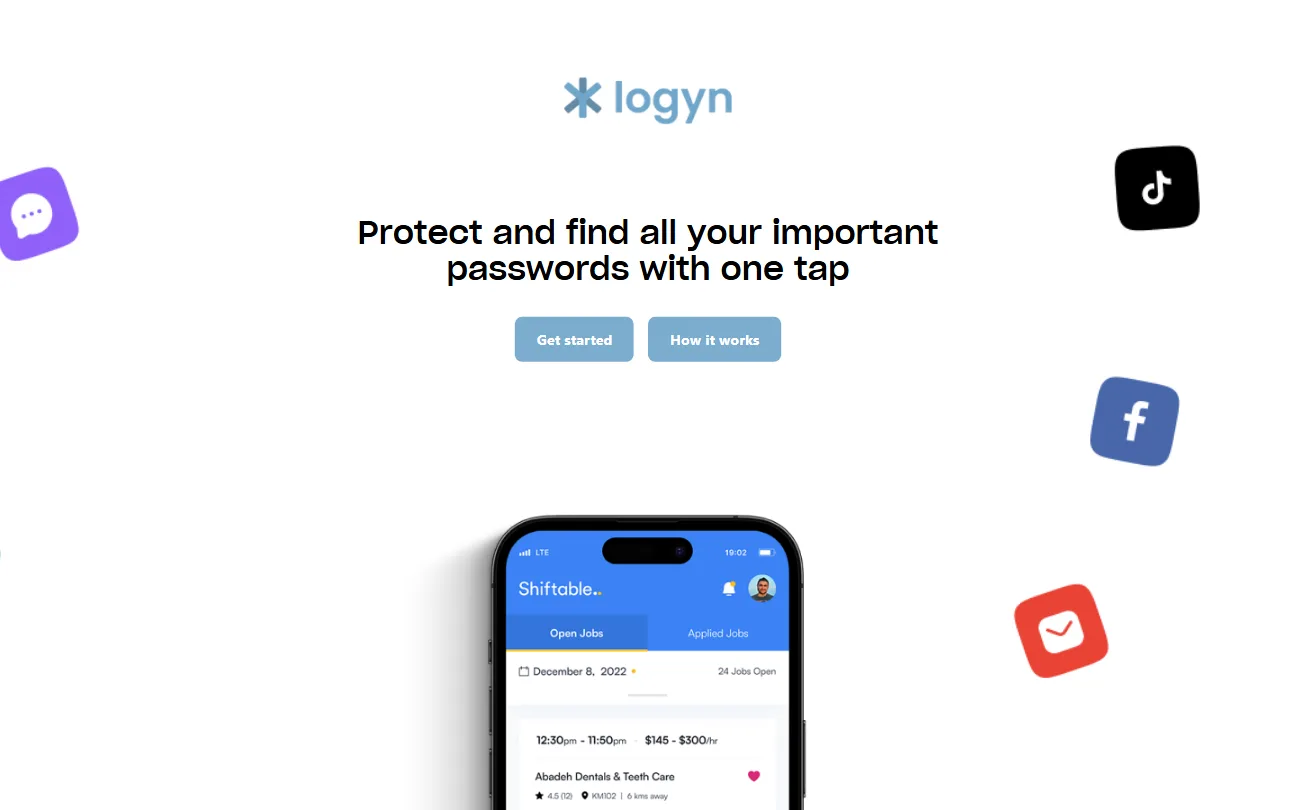
"Protect and find all your important passwords with one tap" — with Get started and How it works side by side.
- 02
The Product & Offer
The Logyn device, a plain-English explanation of offline storage, and a $15 price against a struck-through $44.
- 03
Value Pillars
Affordable, Physical Security, Cross device — three icon cards for skimmers.
- 04
How It Works
A recreated 'Add password details' screen: step 2 of 2, username, password, auto-generate.
- 05
Secure · Organized · At Your Fingertips
A numbered three-point summary that reinforces the core benefits.
- 06
Download
A dark, high-contrast panel of real app screens with App Store and Google Play buttons.
- 07
Footer & Social
Copyright plus social links to keep the conversation going.
Design & Build
The Whole Journey on One Page
Light, airy sections in Logyn's sky blue, ending on a dark navy download panel that makes the final call to action impossible to miss.
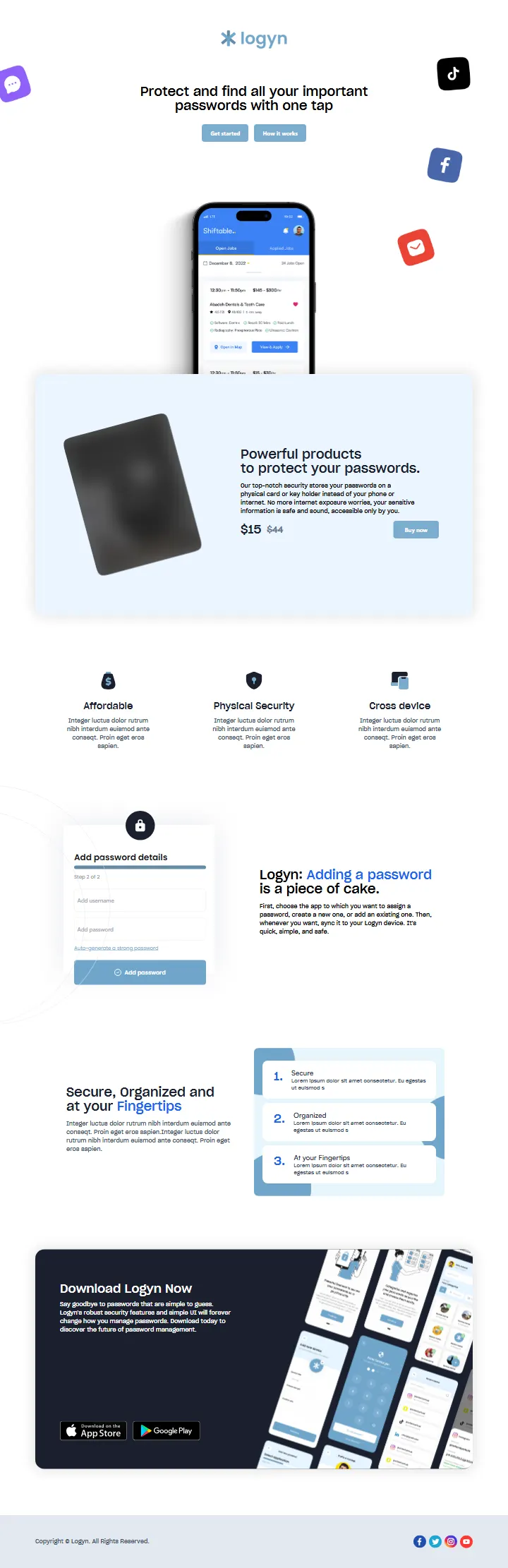
- Social icons as storytellingThe floating app icons around the hero say “every account you have” without a single extra word.
- Soft shadows, rounded cardsTwo custom shadow levels give the page depth while staying calm — fitting for a security brand.
- Contrast for the finaleAfter light sections, the navy download panel pulls focus to the app stores.
- Real product imageryThe device, a phone mockup and a wall of app screens — the product is always on show.
Section by Section
A Closer Look at the Key Sections
Pick a section to see how it was designed.
Hero
Floating app icons (chat, TikTok, Facebook, mail) frame the headline — instantly saying 'all your accounts' — with a phone mockup rising from below.
Conversion Design
Five Ways to Say Yes
Calls to action appear exactly where a decision forms — never more than a scroll away, never competing with each other.
- 01Get started — Hero — primary entry for ready visitors
- 02How it works — Hero — for the curious, equal visual weight
- 03Buy now — Product section — next to the $15 price
- 04App Store — Download section
- 05Google Play — Download section
Price anchoring does the persuading: the original price stays visible, struck through, right beside the offer — and the only button in that section is Buy now. Buttons invert to white with a navy border on hover, so every CTA gives clear feedback.
Visual Identity
A Calm, Trustworthy Design System
Security products should feel steady. A soft sky blue carries the brand, deep navy carries authority, and one vivid blue highlights the words that matter.
Responsive Design
Phone-First, Because Passwords Live on Phones
Five breakpoints — including a custom 860px step for small laptops and large tablets — keep every section balanced at every width.
- sm · 640px
- md · 768px
- mdd · 860px (custom)
- lg · 1024px
- xl · 1280px
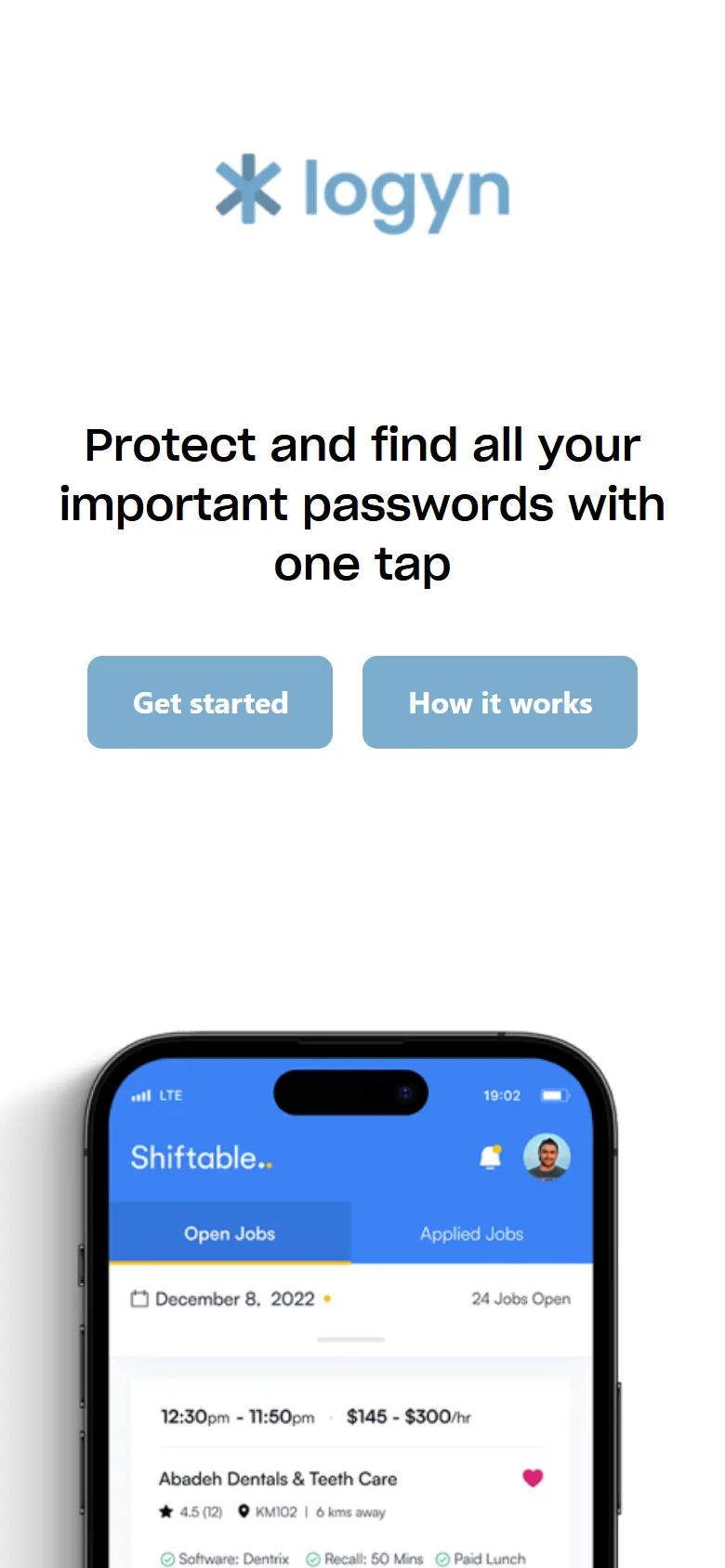

Nothing lost on mobile
Headlines rescale across three type sizes, hard line breaks only appear on large screens, side-by-side sections stack, and the download panel reflows so both store buttons stay tappable. Hover the second phone to scroll the whole page.
Key Achievements
Ten Milestones of the Build
- 01Launch landing page designed end to end
- 027-section narrative from promise to download
- 035 conversion points across the journey
- 04Price anchoring: $15 against $44
- 05Recreated app UI to explain the flow
- 0611 hand-placed inline SVG icons
- 07Custom brand font (Sharp Grotesk) loaded locally
- 085 breakpoints incl. a custom 860px step
- 09Hover-inverting button system
- 10React Router structure ready for more pages
Tools & Technology
Tools & Technology
Front-end
- React 18
- React Router 6
- Create React App
Styling
- Tailwind CSS
- Custom breakpoints
- Custom CSS backgrounds
Typography
- Sharp Grotesk
- Satoshi
- Poppins
Assets
- Inline SVG icons
- App & device mockups
- Store badges
Evidence & Measurement
What We Can Measure
Logyn was a pre-launch build. We report the work we delivered — not numbers we don't have.
Verified & measured
- Sections, CTAs & breakpoints (from the codebase)
- Responsive behaviour (screenshots in this page)
- Brand palette & typography
- Offer presentation ($15 vs $44)
- Icon & asset system
Not claimed here
- Device sales
- App downloads
- Conversion rate
- Traffic or ad performance
- Post-launch analytics (none shared with us)
Screenshots on this page are captures of the delivered build.
Final Impact
From a New Idea to a Page That Sells It
What the project delivered:
- A new product category explained in one scroll
- A calm, trustworthy security brand on screen
- A clear path: learn → buy → download
- A consistent visual system to grow from
- Fully responsive, phone to desktop
- A React codebase ready for more pages
Launching a Product? Let's Build the Page That Sells It.
From the first headline to the last button, designed to convert.